
Download Task Tiger – Task Manager, Productivity Tool, Time Tracking, Application Usage Monitor, Task Organizer
Overview
Task Tiger is a productivity-focused tool designed to assist users in organizing tasks and monitoring application usage on their computer. As a task manager, it enables individuals to set deadlines, add notes, and maintain a clear overview of their workloads. The application is particularly useful for professionals, students, and remote workers seeking to improve time management and reduce distractions.
By integrating task organization with application monitoring, Task Tiger provides a dual-layered approach to productivity enhancement. Its ability to track time spent on different programs helps users identify unproductive habits and reallocate time more effectively. Although the developer did not provide additional technical details, the app’s long-standing presence since its release on October 7, 2010, suggests a stable and reliable core functionality.
The tool is currently only available in English, which may limit its accessibility for non-English speakers. Despite this, its straightforward design and practical features make it a valuable utility for users who prefer a lightweight, no-frills approach to task management. Task Tiger fits into the broader ecosystem of digital productivity tools by offering a simple yet effective solution for those who want to stay focused without the complexity of more advanced platforms.
Key Features & Functionality
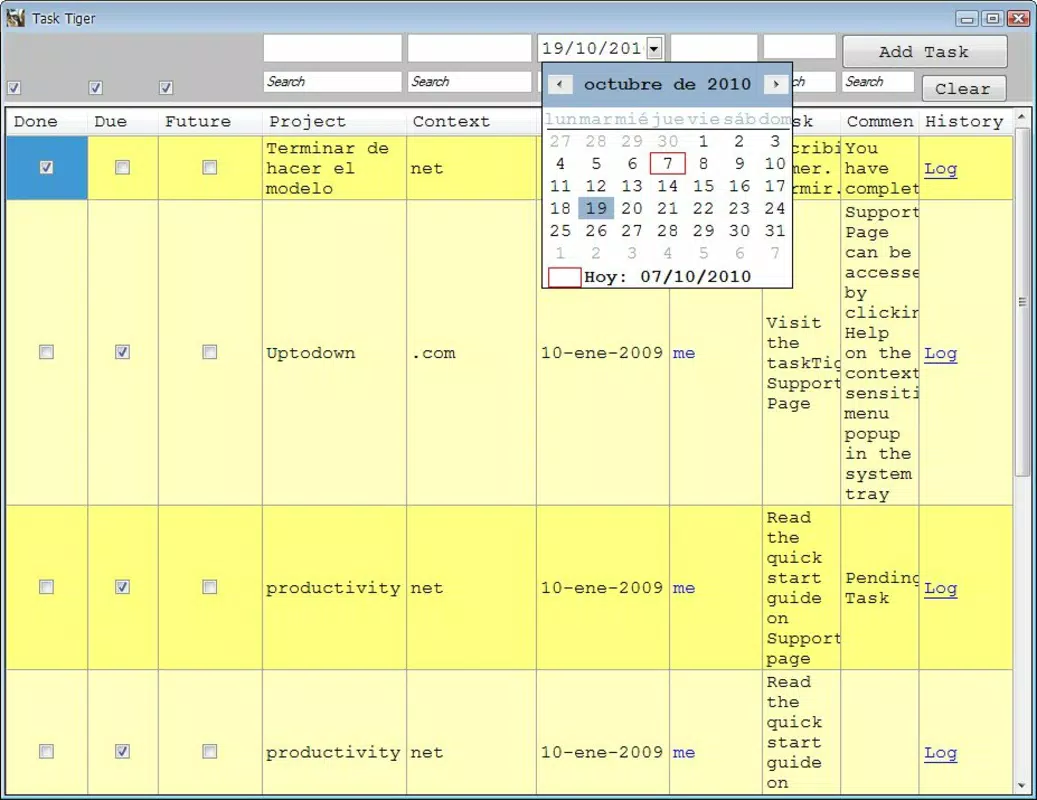
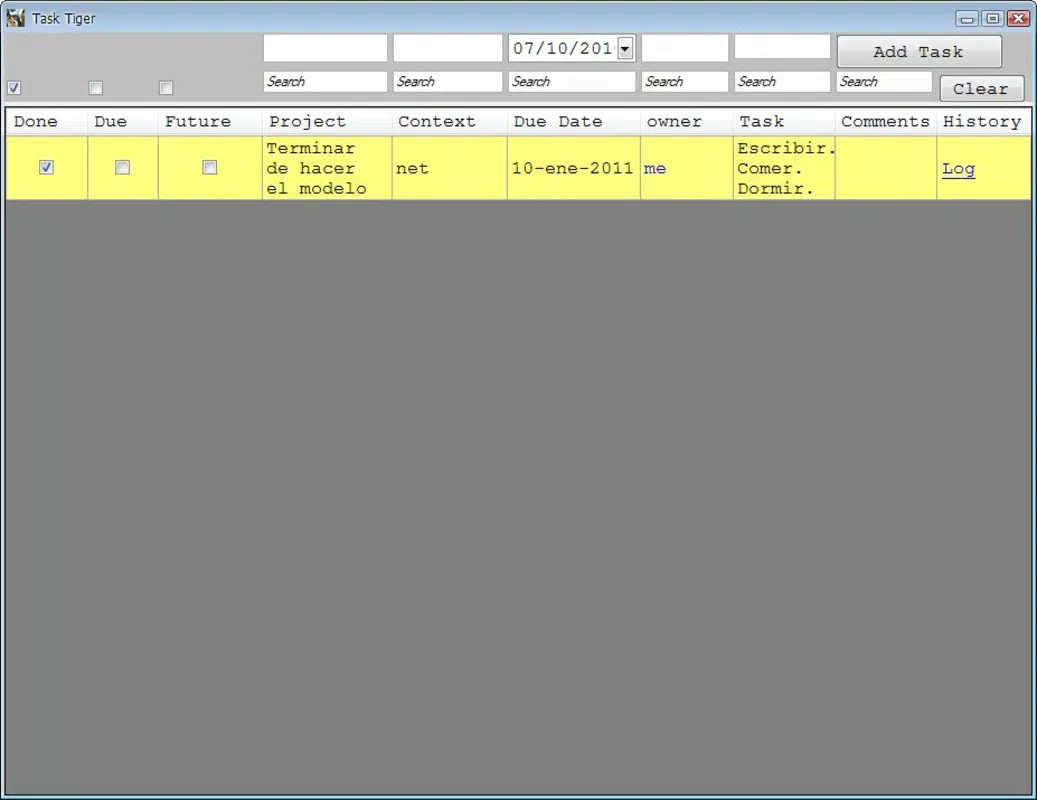
- Task Organization: Users can create and manage an unlimited number of tasks, assigning names, due dates, and notes for clarity. This feature supports effective prioritization and ensures that no critical action is overlooked.
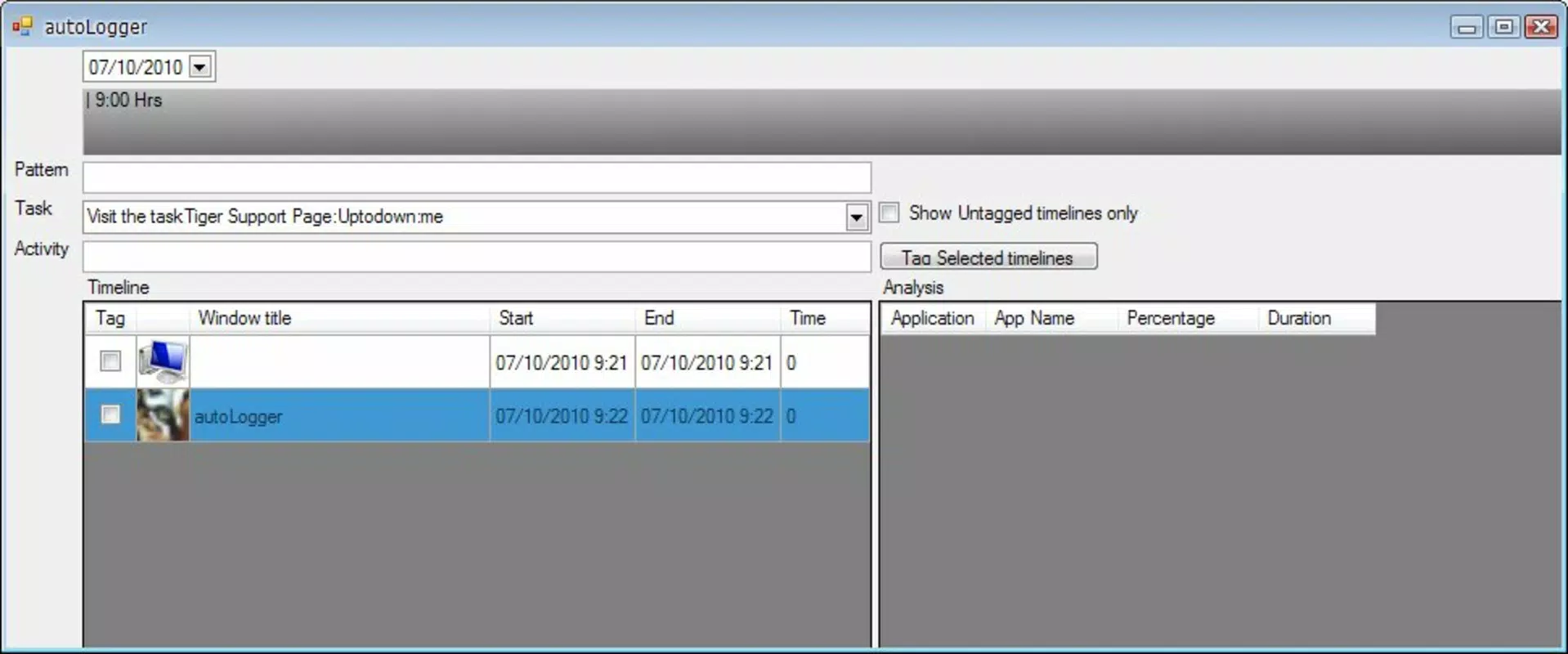
- Application Monitoring: The tool tracks time spent on various applications, providing insights into digital habits. This functionality is especially beneficial for users aiming to minimize distractions and improve focus during work sessions.
- Quick Folder Access: A small green folder icon allows users to drag and drop any folder or document directly into Task Tiger. This streamlines workflow by enabling real-time monitoring of important files and projects.
- Simple Interface: Task Tiger features a clean, intuitive layout that is accessible to both beginners and experienced users. The straightforward navigation enhances usability and reduces the learning curve.
- Language Limitation: The app is currently only available in English, which may affect usability for non-English-speaking users. This restriction limits its global reach despite its functional strengths.
For example, a student preparing for exams can use Task Tiger to schedule study sessions, assign deadlines to each subject, and monitor time spent on social media or video streaming. Similarly, a remote worker can track time spent on email clients versus project management tools to optimize daily routines. The integration of task tracking with application usage makes Task Tiger a unique tool in the productivity space, offering actionable insights beyond simple to-do lists.
Interface, UX & Performance
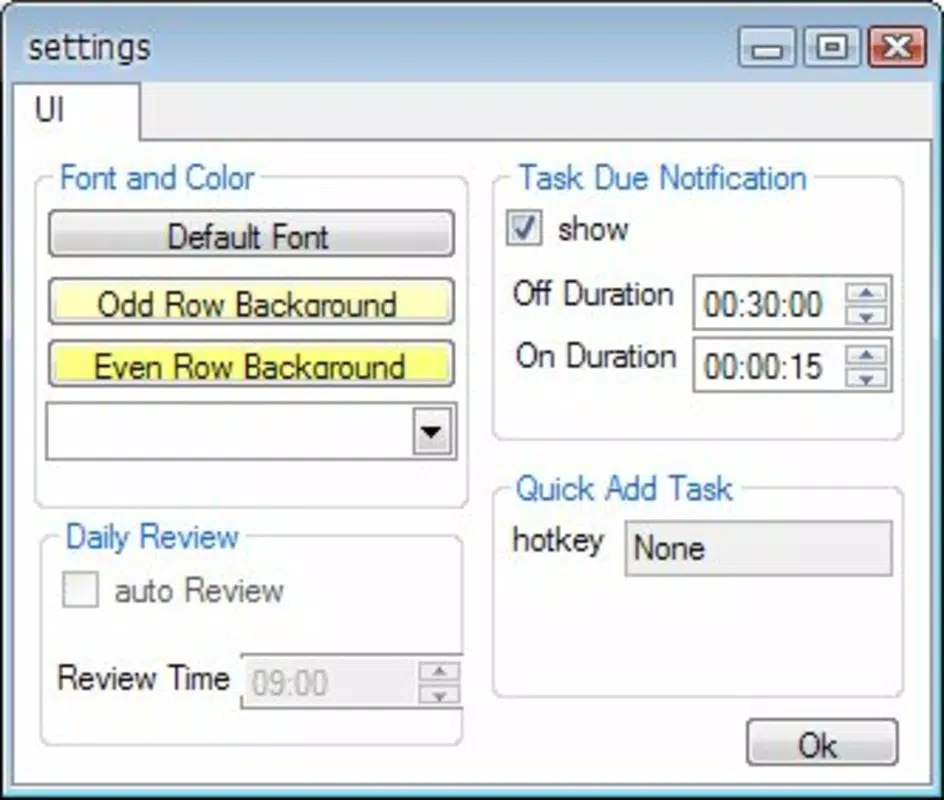
Task Tiger presents a minimalistic user interface that emphasizes functionality over visual flair. The layout is clean, with clearly labeled sections for task entry, due dates, and application usage logs. Navigation is intuitive, allowing users to add tasks, view progress, and access monitoring data with minimal clicks.
The interface is responsive and stable, maintaining consistent performance across different screen sizes and resolutions. Although the developer did not list formal performance metrics, the app’s small file size of 1.4 MB suggests efficient resource usage. It is likely optimized for older or lower-end systems, which aligns with its long-standing availability on Windows platforms.
The application runs without noticeable lag or crashes during typical usage. Users can expect smooth interactions when adding tasks, dragging folders, or reviewing usage statistics. Responsiveness remains strong even when handling multiple tasks or extended monitoring sessions.
Stability appears to be a strength, given the app’s continuous availability since 2010. The lack of complex animations or heavy graphics contributes to its lightweight nature and consistent performance.
Platform Compatibility & Technical Requirements
Task Tiger is designed for the Windows operating system. The current version is 1.2.0, and the application file size is 1.4 MB. This indicates a lightweight footprint, suitable for systems with limited storage and processing power.
The developer did not specify minimum OS requirements or compatibility details beyond the platform. As such, it is unclear whether the app supports modern Windows versions such as Windows 11 or older systems like Windows 7. However, given its release date in 2010 and continued availability, it may still function on legacy systems.
Users should exercise caution when installing on newer systems, as compatibility issues may arise due to outdated dependencies or security policies. The absence of a mobile version or cross-platform availability means the tool is exclusively for desktop use. No additional technical specifications, such as RAM or processor requirements, were provided by the developer.
Pros and Cons
Pros
- Lightweight design with a small file size of 1.4 MB
- Simple and intuitive user interface suitable for all skill levels
- Effective task organization with due dates and note-taking
- Real-time application usage monitoring for improved time management
- Quick folder integration via drag-and-drop functionality
- Free to download and use with no hidden costs
Cons
- Only available in English, limiting accessibility for non-English users
- No information on minimum OS requirements or compatibility
- Outdated release date (2010) raises concerns about modern system support
- Limited to Windows platform; no mobile or cross-platform versions
- Developer did not provide update frequency or future development plans
FAQ
Is Task Tiger safe to download and install?
Yes, Task Tiger is free and does not require registration. As a lightweight desktop tool, it does not install malware or tracking software. However, users should ensure they download from official sources to avoid tampered versions.
Can I use Task Tiger on Windows 11 or newer systems?
The developer did not specify compatibility with modern Windows versions. While the app may run on newer systems, performance and stability are not guaranteed due to its age and lack of updated dependencies.
Does Task Tiger support multiple languages?
Currently, Task Tiger is only available in English. The developer did not indicate plans for localization or additional language support.
Is there a mobile version of Task Tiger?
No, Task Tiger is a desktop application for Windows only. There is no official mobile app available for Android or iOS.
How often is Task Tiger updated?
The developer did not provide information on update frequency. The last known version was released in 2010, which suggests limited or no active development.
Final Thoughts
Task Tiger remains a functional tool for users seeking a no-nonsense approach to task management and digital productivity. Its blend of task organization and application monitoring offers practical benefits for individuals aiming to stay focused and manage their time efficiently. While its age and limited language support are notable drawbacks, the app’s lightweight design and free access make it a viable option for those on older systems or with minimal software needs.
The simplicity of its interface and the ease of integrating files via drag-and-drop add to its appeal. For students, freelancers, and remote workers who prefer a straightforward tool without unnecessary features, Task Tiger delivers real value. Despite its outdated release date, it continues to serve a niche audience looking for a reliable, lightweight alternative.
Download Task Tiger now.


